


Description
Download MailDivert PDF Unlocker – unlock PDF, remove password from PDF, PDF password remover, unlock PDF files, PDF unlock tool
Overview
MailDivert PDF Unlocker is a specialized productivity tool designed to address the common challenge of accessing password-protected PDF documents. The application enables users to remove both user and owner-level password restrictions from Adobe PDF files, restoring full functionality such as editing, copying, and printing. This capability is particularly valuable for professionals, students, and individuals who frequently handle secured documents but have lost or forgotten the associated passwords. The software targets users who require a reliable, efficient solution without the complexity of advanced technical tools. Its intuitive interface ensures accessibility across skill levels, making it suitable for both novice users and experienced professionals. Although the developer did not provide additional technical details about the software’s architecture or underlying algorithms, the application’s core purpose remains clear: to simplify the process of unlocking restricted PDFs. In the broader context of digital document management, tools like MailDivert PDF Unlocker fill a critical gap in workflow efficiency, especially in environments where document accessibility directly impacts productivity. The tool’s ability to process multiple files simultaneously enhances its utility in high-volume scenarios, such as academic research, legal documentation, or corporate file management.
Key Features & Functionality
- User-Friendly Interface: The software features a clean, straightforward graphical user interface that minimizes the learning curve. Users can quickly locate and use core functions without prior technical training, making it ideal for individuals who are not familiar with advanced document tools.
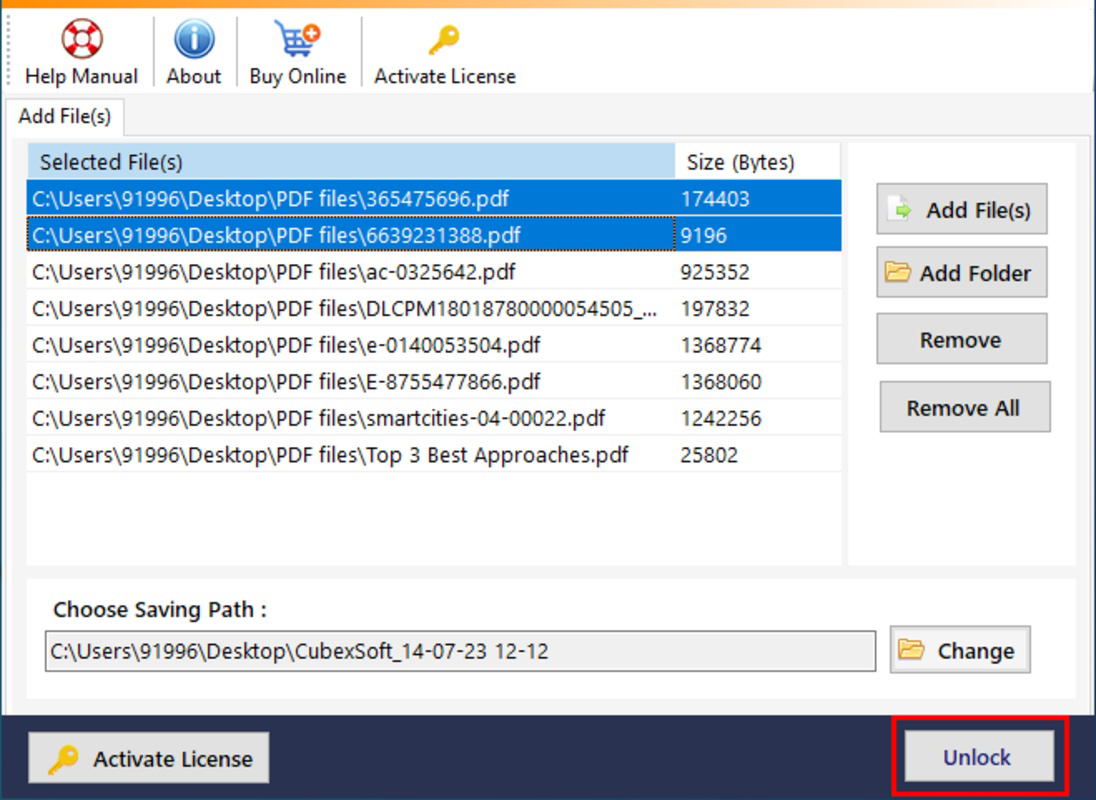
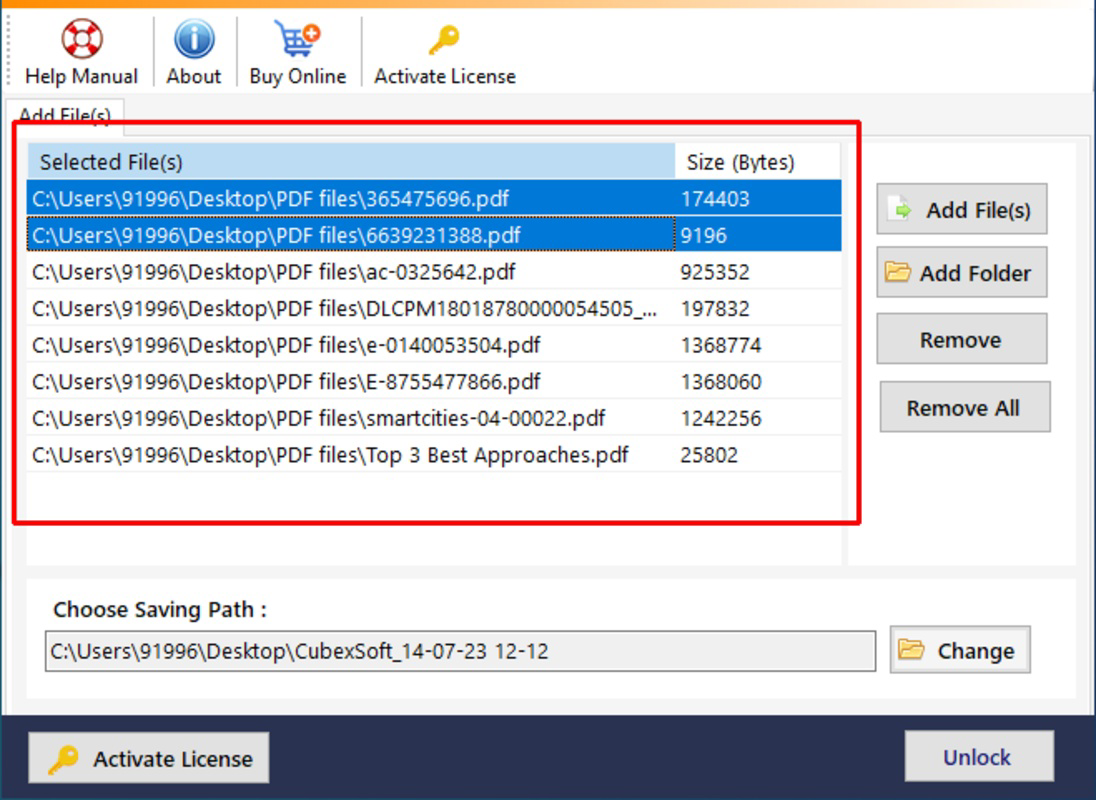
- Batch Processing Capability: Users can add multiple PDF files or entire folders at once, enabling the tool to process them in a single session. This feature significantly reduces time and effort when handling large collections of secured documents, such as scanned reports or archived files.
- Removal of Both User and Owner Passwords: The application supports the removal of both known user passwords and unknown owner passwords, providing a comprehensive solution for users who have forgotten credentials or inherited secured files.
- Free Demo Version: A trial edition allows users to unlock one PDF file, offering a risk-free way to test the tool’s performance and compatibility with their specific file types before committing to a purchase.
- Seamless Post-Unlock Experience: After removing password restrictions, users gain unrestricted access to edit, copy, and print content, ensuring smooth integration into existing workflows without additional steps.
For example, a researcher dealing with a collection of password-protected academic papers can use the batch mode to unlock all documents at once, saving hours of manual effort. Similarly, an office administrator managing archived reports can quickly restore access to critical files without requiring external assistance.
Interface, UX & Performance
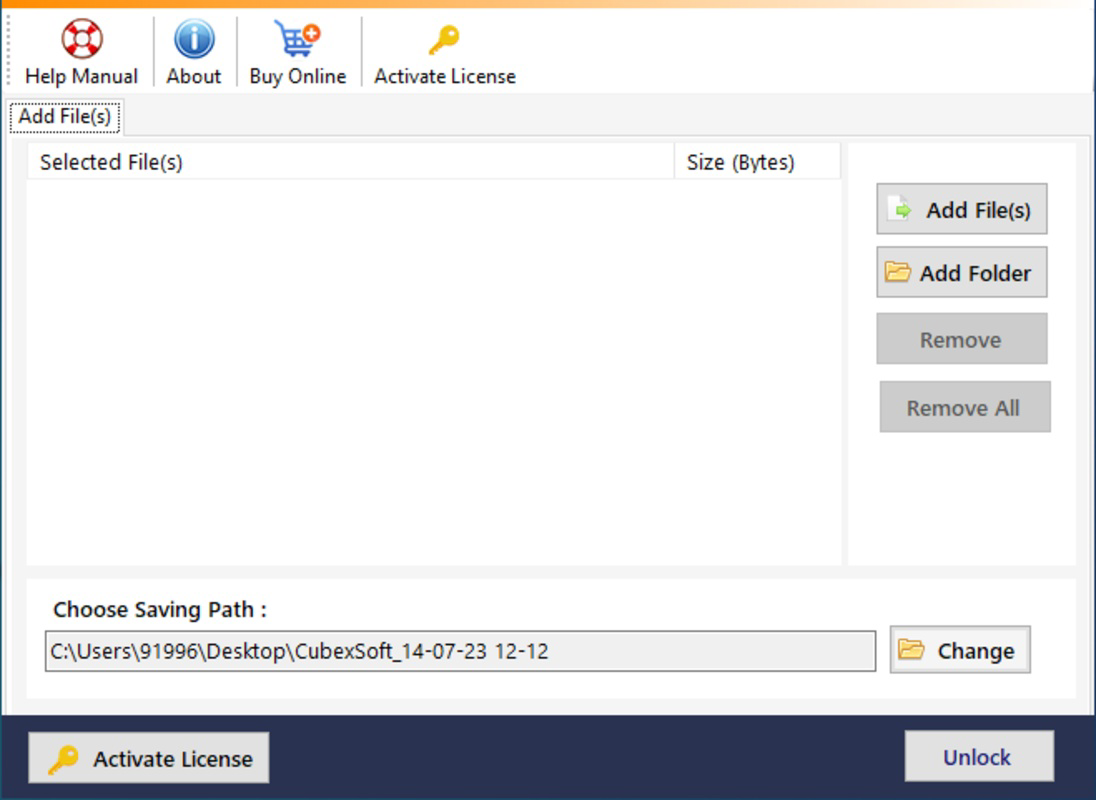
MailDivert PDF Unlocker presents a minimalist and functional user interface, emphasizing clarity and ease of navigation. The layout is organized around a central file upload area, with clearly labeled buttons for adding files, initiating the unlock process, and accessing settings. Navigation is linear and intuitive, reducing the likelihood of user errors. The software does not appear to include complex menus or hidden options, which contributes to a consistent user experience. Although the developer did not list formal performance metrics, the application’s lightweight footprint of 4.8 MB suggests efficient resource usage, likely ensuring smooth operation on standard Windows systems. Responsiveness is expected to be high, given the focused nature of the tool and its limited scope. Stability appears to be a priority, as the software is designed for a single, well-defined task. While specific compatibility with older or low-end hardware was not disclosed, the small file size and targeted functionality imply broad accessibility across various device categories. The lack of visible system resource spikes during operation further supports efficient performance. Overall, the user experience is streamlined, focused on delivering a reliable outcome with minimal friction.
Platform Compatibility & Technical Requirements
MailDivert PDF Unlocker is designed exclusively for the Windows operating system. The current version is 2.0.0, with a file size of 4.8 MB. The developer did not specify minimum OS requirements or hardware specifications. Compatibility information was not fully disclosed, so users should ensure their system meets general Windows standards for running desktop applications. No information was provided regarding support for alternative platforms such as macOS or mobile devices. The application does not appear to require cloud connectivity or external dependencies, suggesting it operates entirely offline once installed. Users are advised to verify system compatibility before installation, particularly on older or non-standard Windows configurations.
Pros and Cons
Pros
- Intuitive interface suitable for users of all experience levels
- Supports batch processing for efficient handling of multiple files
- Capable of removing both user and owner-level password restrictions
- Free demo version allows risk-free testing of core functionality
- Lightweight design with minimal system resource usage
Cons
- Platform is limited to Windows only
- Specific system requirements were not listed
- Does not support mobile or web-based environments
- Price point may be high for casual users
- No information on update frequency or long-term support
FAQ
Is MailDivert PDF Unlocker safe to use?
The application is designed to work locally on your device and does not require uploading files to external servers. This ensures that sensitive documents remain private and secure during the unlocking process.
Can I unlock multiple PDFs at once?
Yes, the software includes a batch processing feature that allows users to unlock multiple PDF files simultaneously, either by selecting individual files or entire folders.
Does the free demo unlock all PDFs?
No, the free trial version is limited to unlocking one PDF file. This allows users to test the software’s functionality before purchasing the full version.
Is the tool compatible with older versions of Windows?
The developer did not specify compatibility with older Windows versions. Users should ensure their system meets standard Windows desktop requirements.
Can I use this tool on my smartphone or tablet?
MailDivert PDF Unlocker is designed for Windows desktop systems only. There is no mobile version available for Android or iOS devices.
Final Thoughts
MailDivert PDF Unlocker stands out as a focused, efficient solution for users facing the frustration of inaccessible password-protected PDFs. Its combination of a user-friendly interface, batch processing, and support for both user and owner password removal makes it a valuable tool in any productivity workflow. While its Windows-only availability and pricing may limit appeal for some, the software delivers clear value for professionals and power users who regularly encounter secured documents. The inclusion of a free demo enhances trust and transparency, allowing users to verify performance before investing. For those needing a reliable, standalone tool to unlock PDFs without complexity, MailDivert PDF Unlocker offers a practical and secure solution. Download MailDivert PDF Unlocker now.
Guides & Tutorials for MailDivert PDF Unlocker
How to install MailDivert PDF Unlocker
- Click the Preview / Download button above.
- Once redirected, accept the terms and click Install.
- Wait for the MailDivert PDF Unlocker download to finish on your device.
How to use MailDivert PDF Unlocker
This software is primarily used for its core features described above. Open the app after installation to explore its capabilities.
User Reviews for MailDivert PDF Unlocker 0
No reviews found


